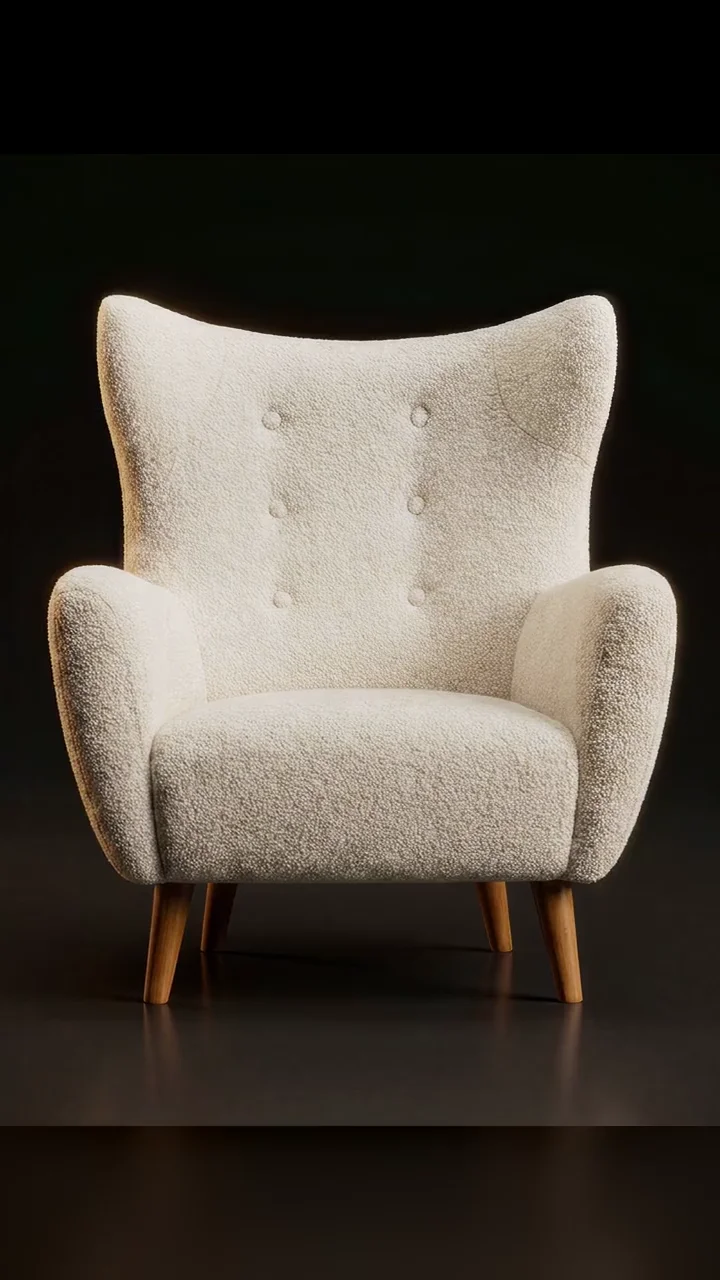
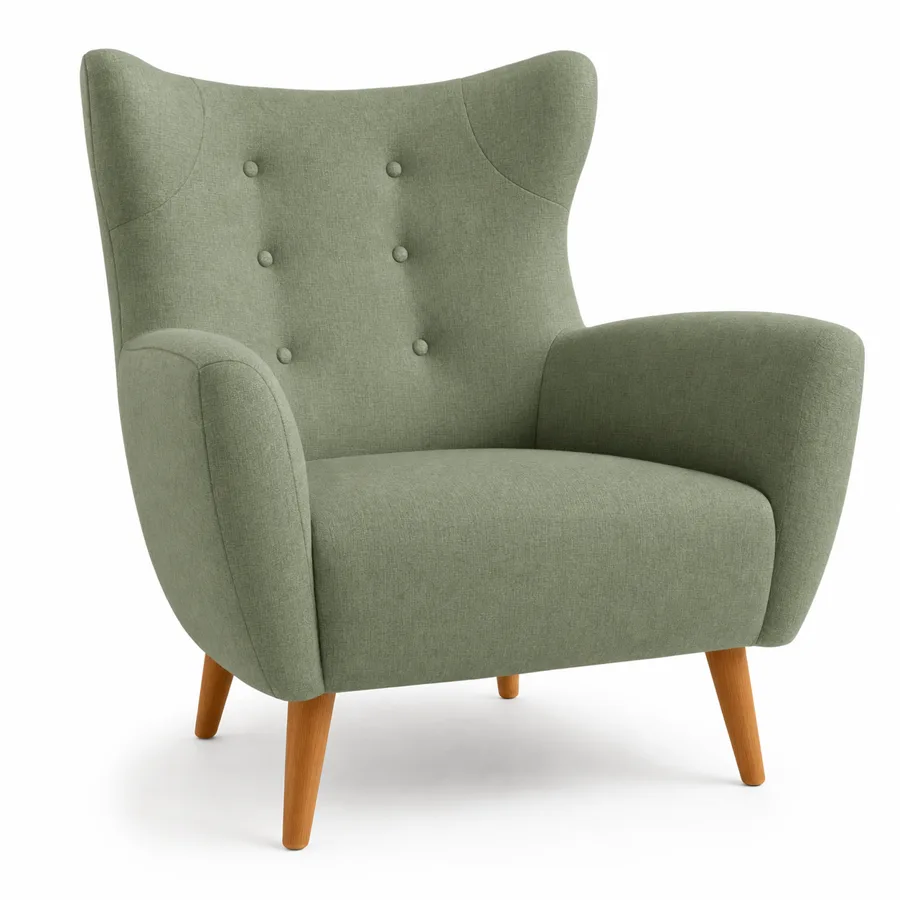
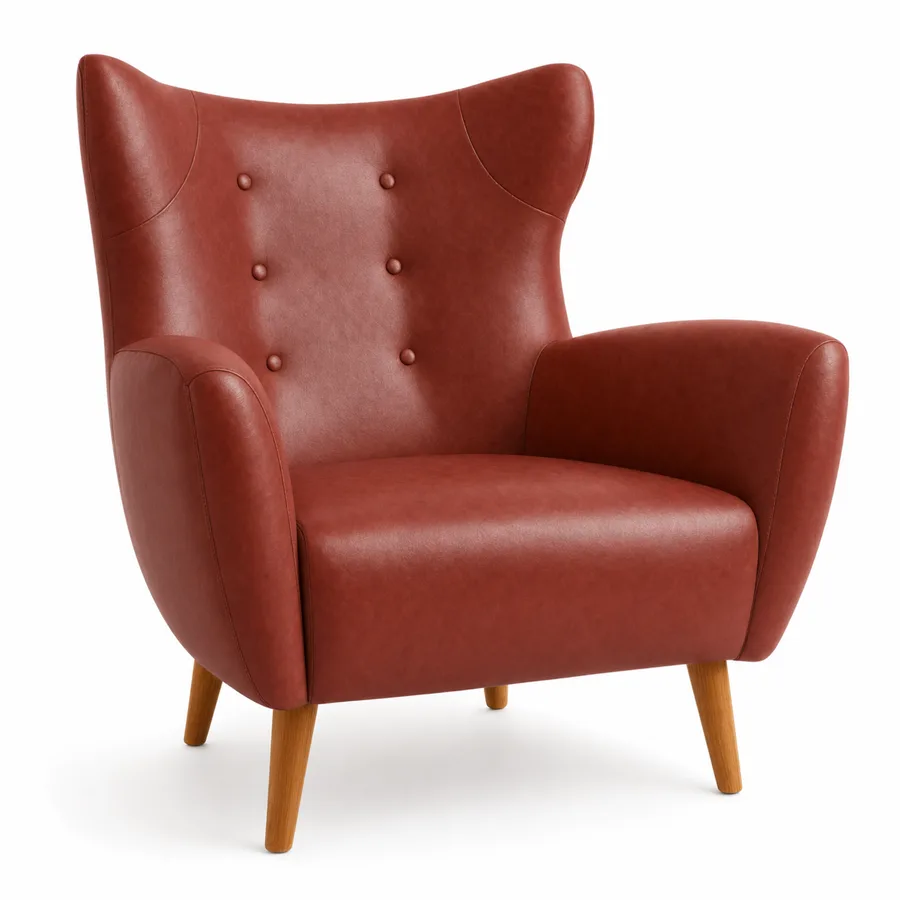
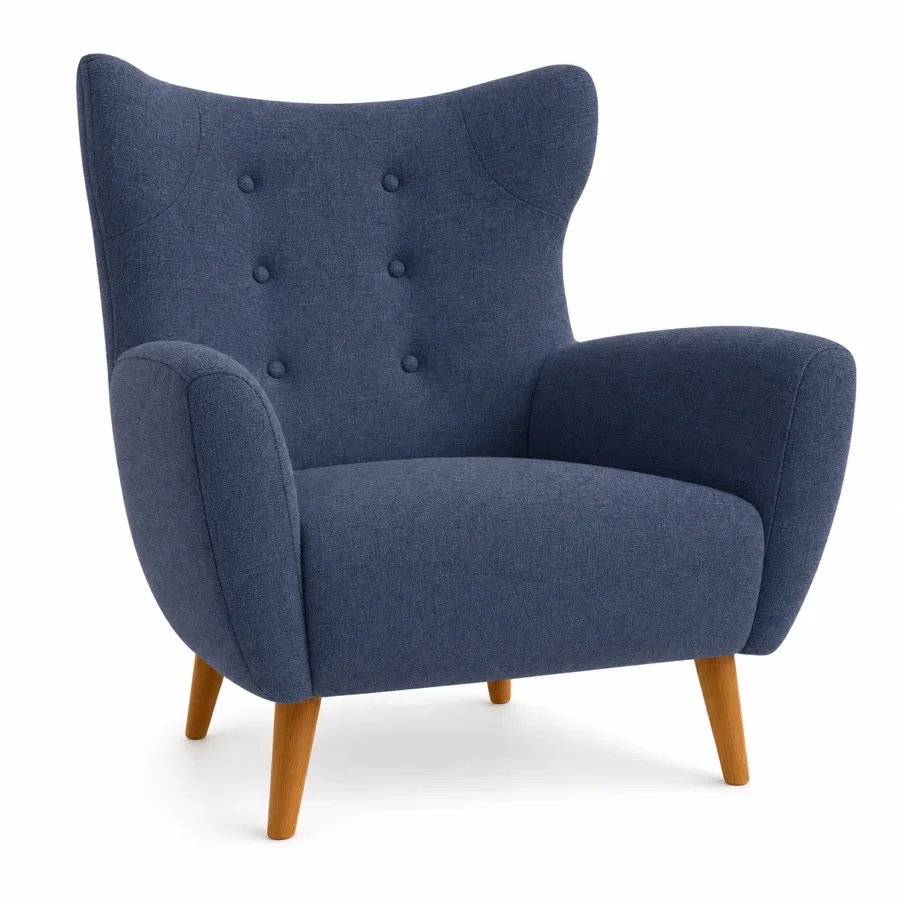
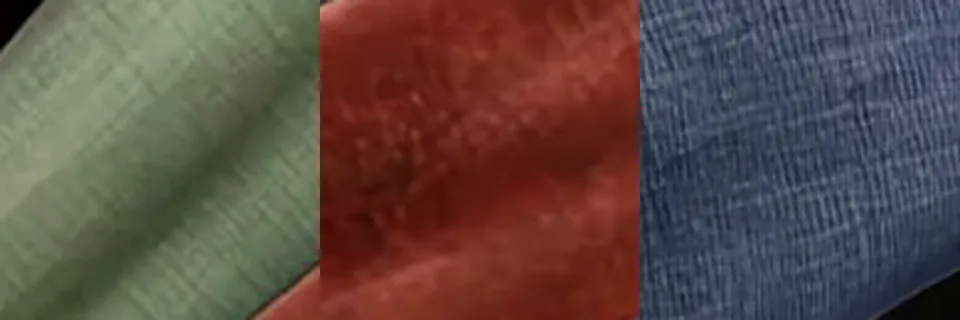
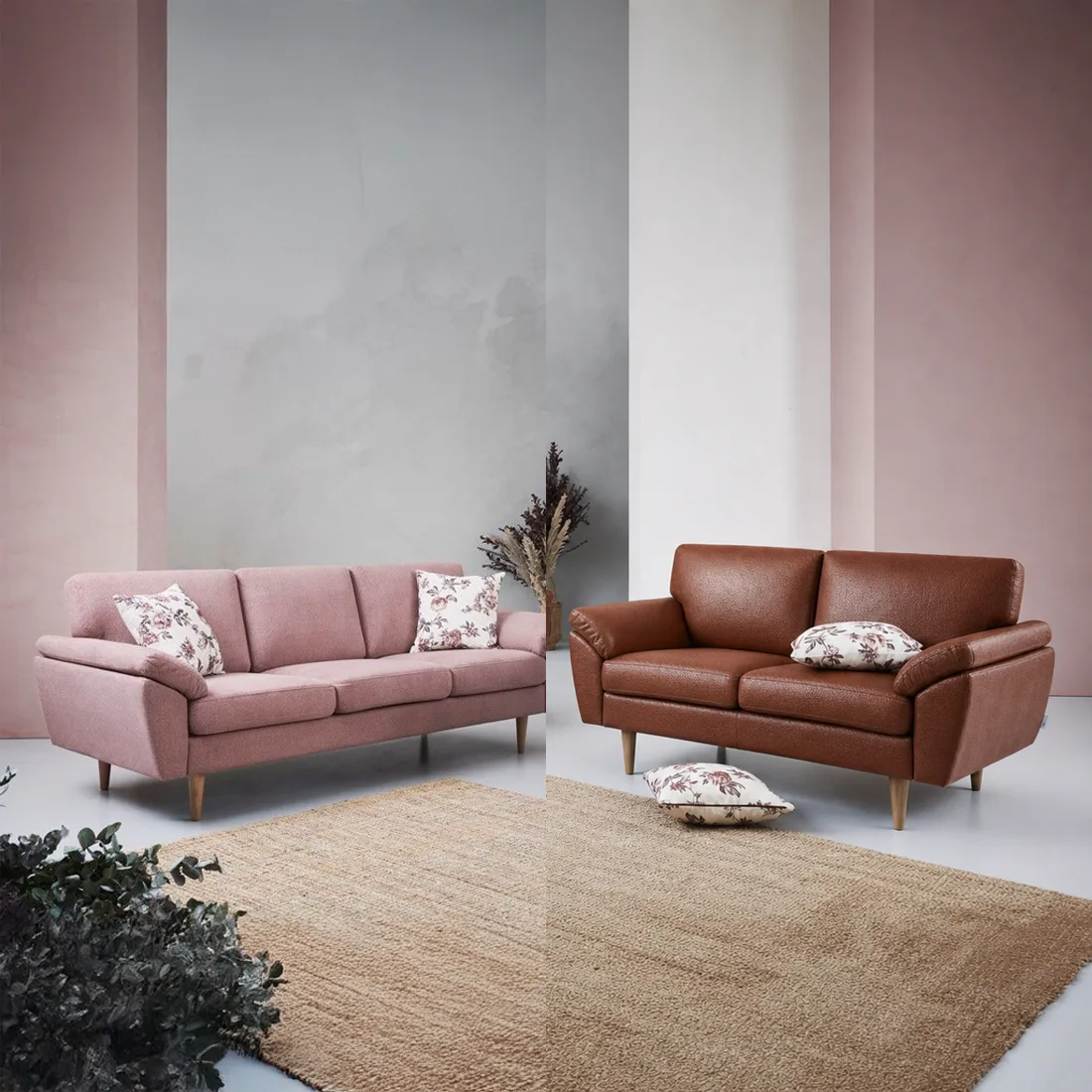
Material swap
Recolor any piece within its material family. The swatch drives hue, grain and sheen.
 SwatchSwap
Log in
SwatchSwap
Log in
AI furniture visualization & material swap
Catalog-ready material variants from one product photo and a swatch. For furniture brands, webshops and interior teams.
Drag the handle. The right side is unretouched output, generated from the left photo and the swatch below.
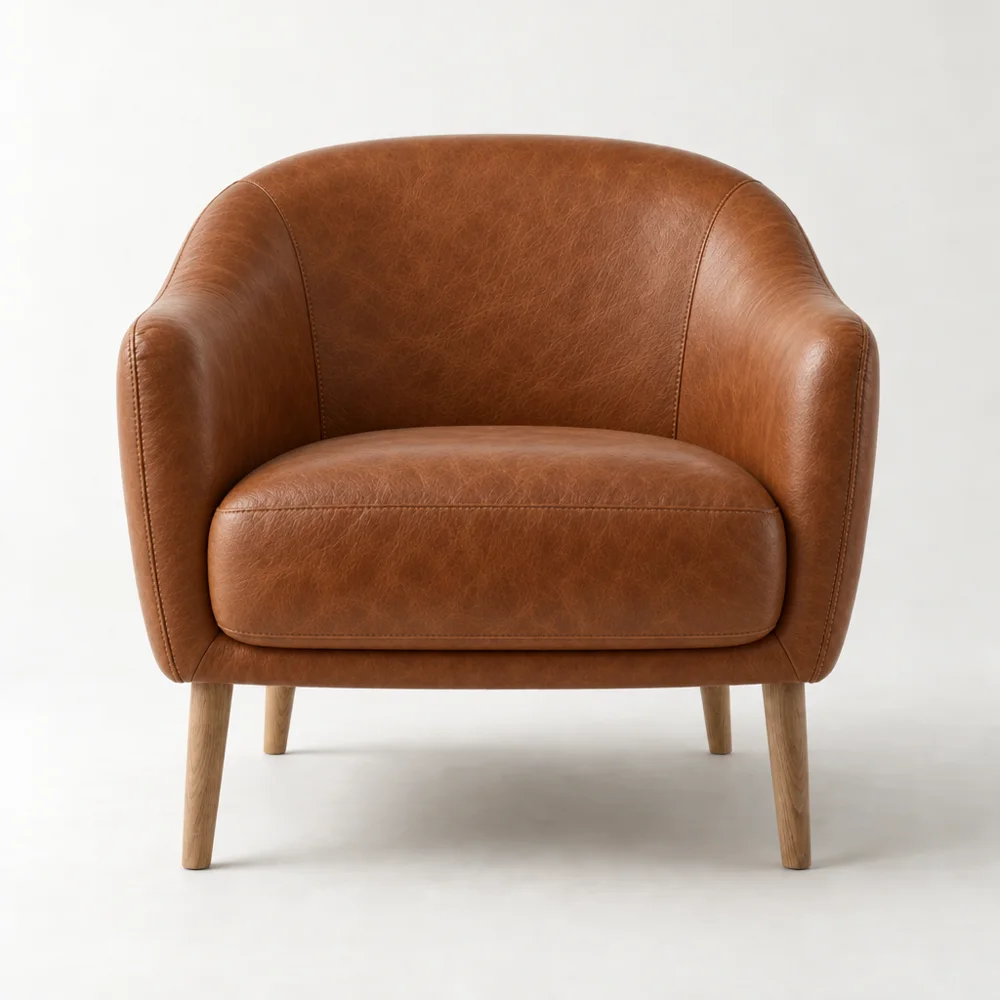
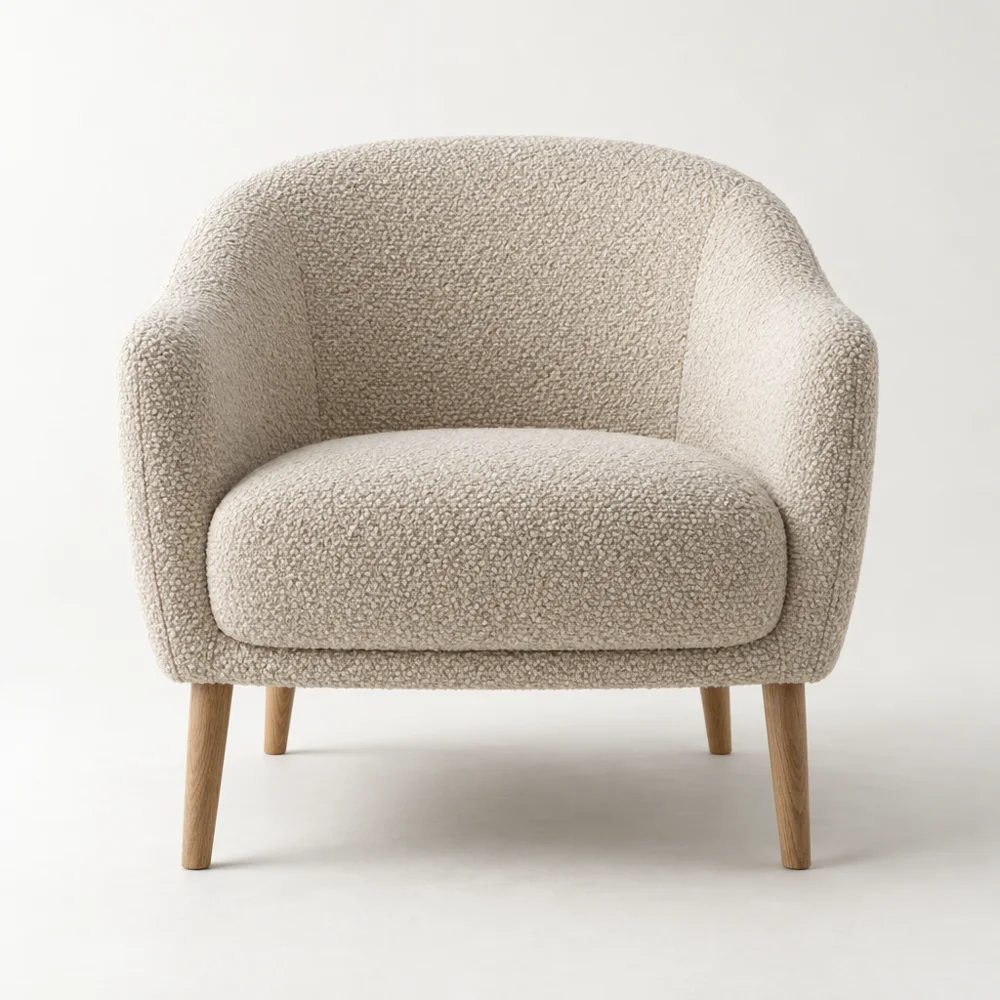
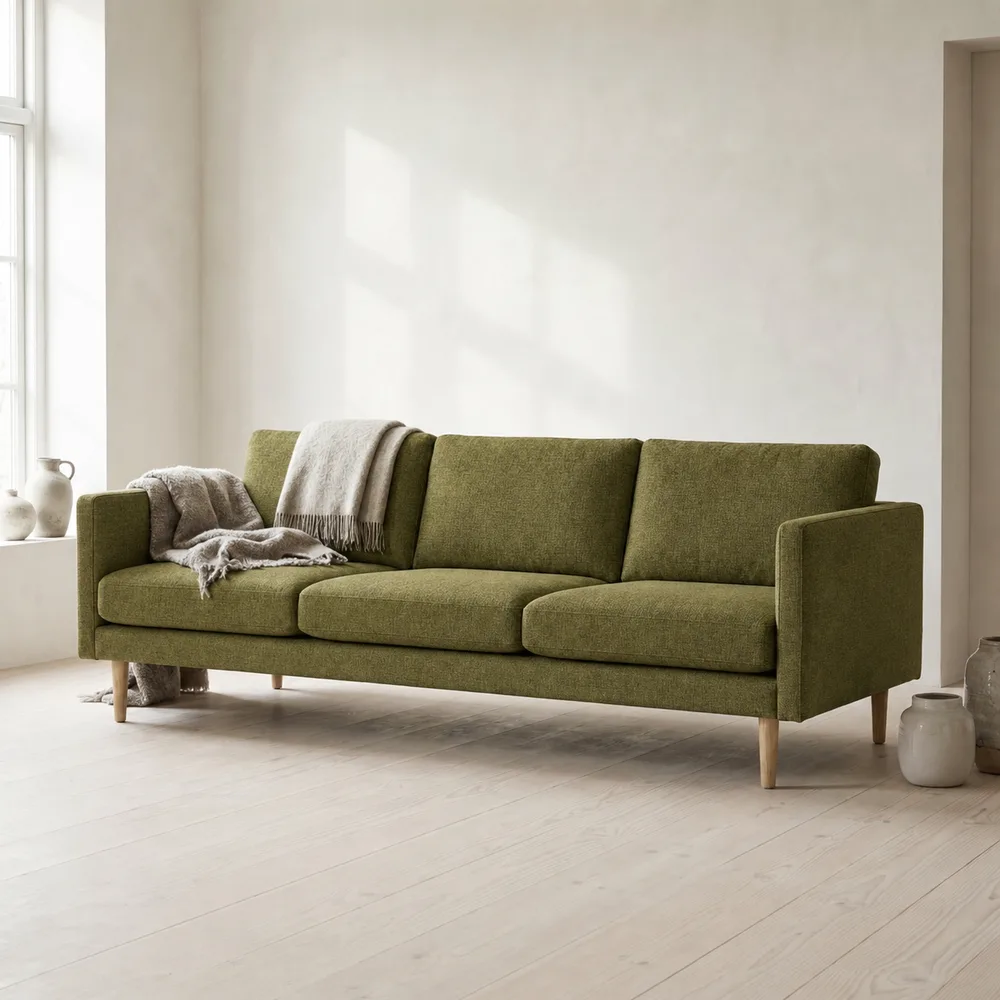
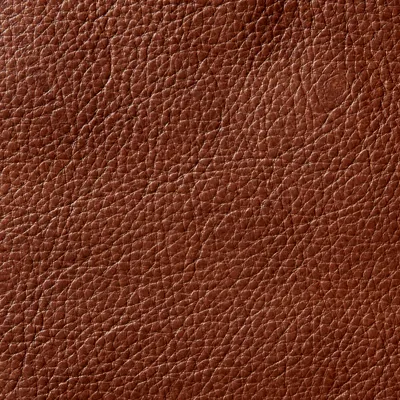 The swatch that drove the transformation. Seams, buttons and legs untouched.
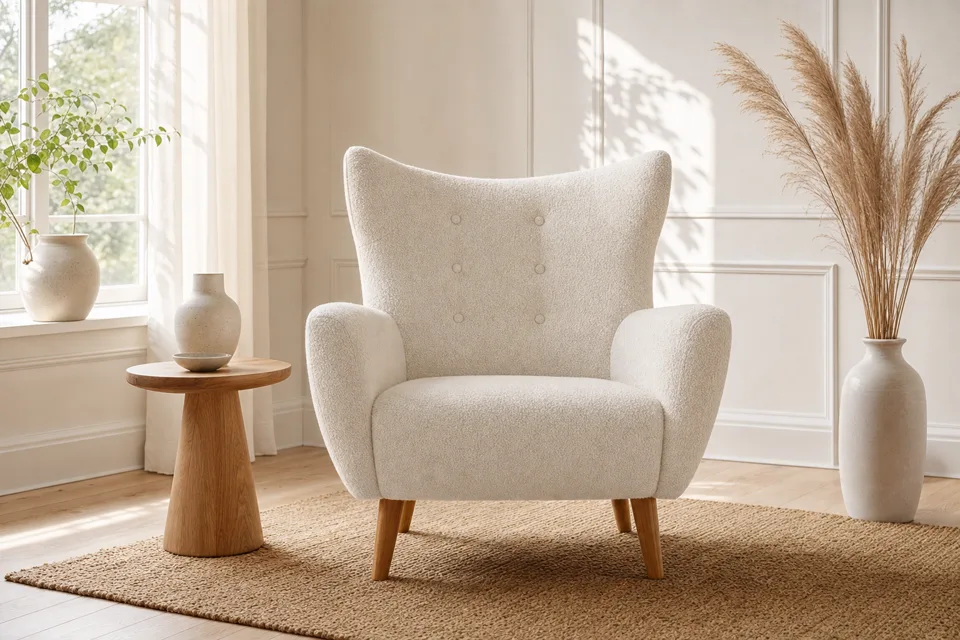
A clear photo of the piece, straight from your existing catalog.
Fabric, leather or wood. Refine with plain text when you need to.
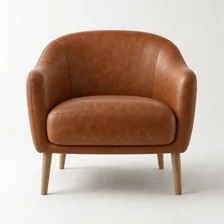
Photorealistic results ready for listings, catalogs and presentations.
Every image below is real, unretouched output. See every tool explained with examples.
Recolor any piece within its material family. The swatch drives hue, grain and sheen.
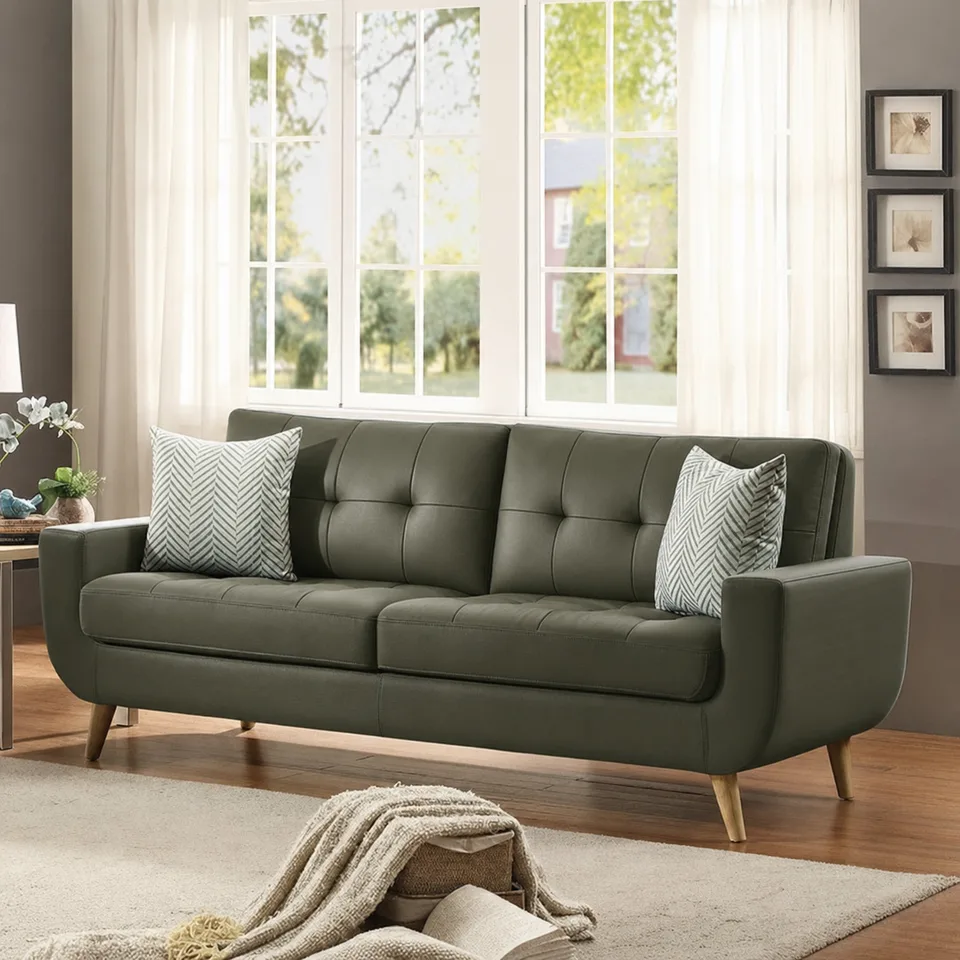
Convert fabric to leather or change wood and legs with a plain-text instruction.
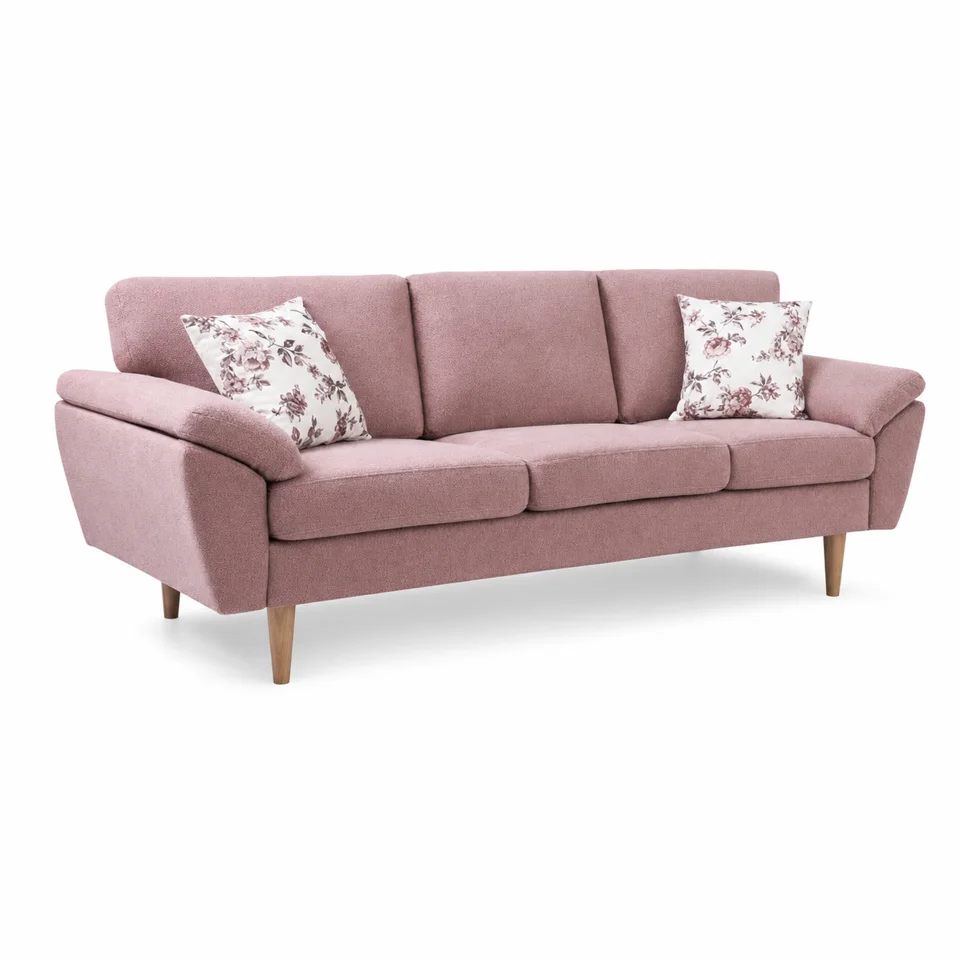
A clean white studio cut-out with a natural contact shadow, ready for listings.
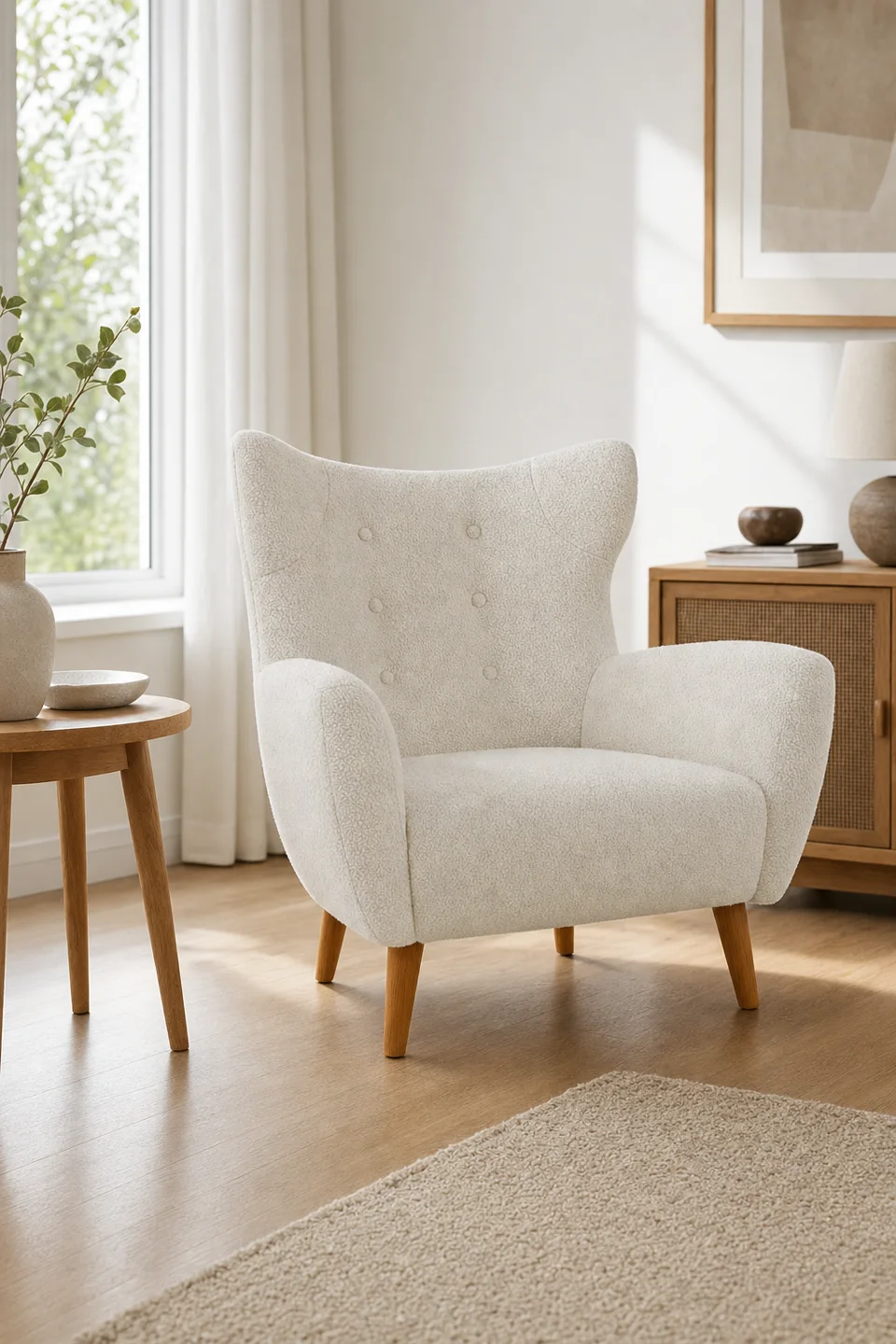
Place your product in a styled interior. No staging, no photographer.
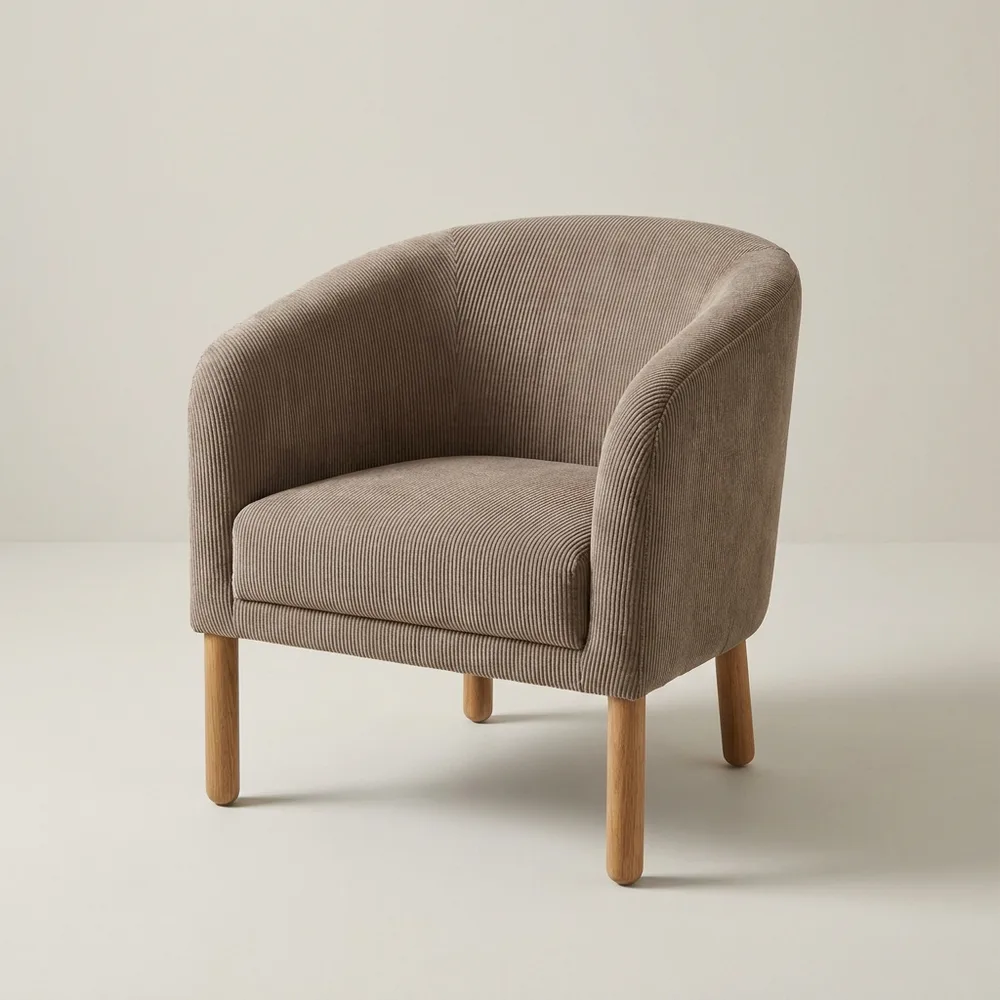
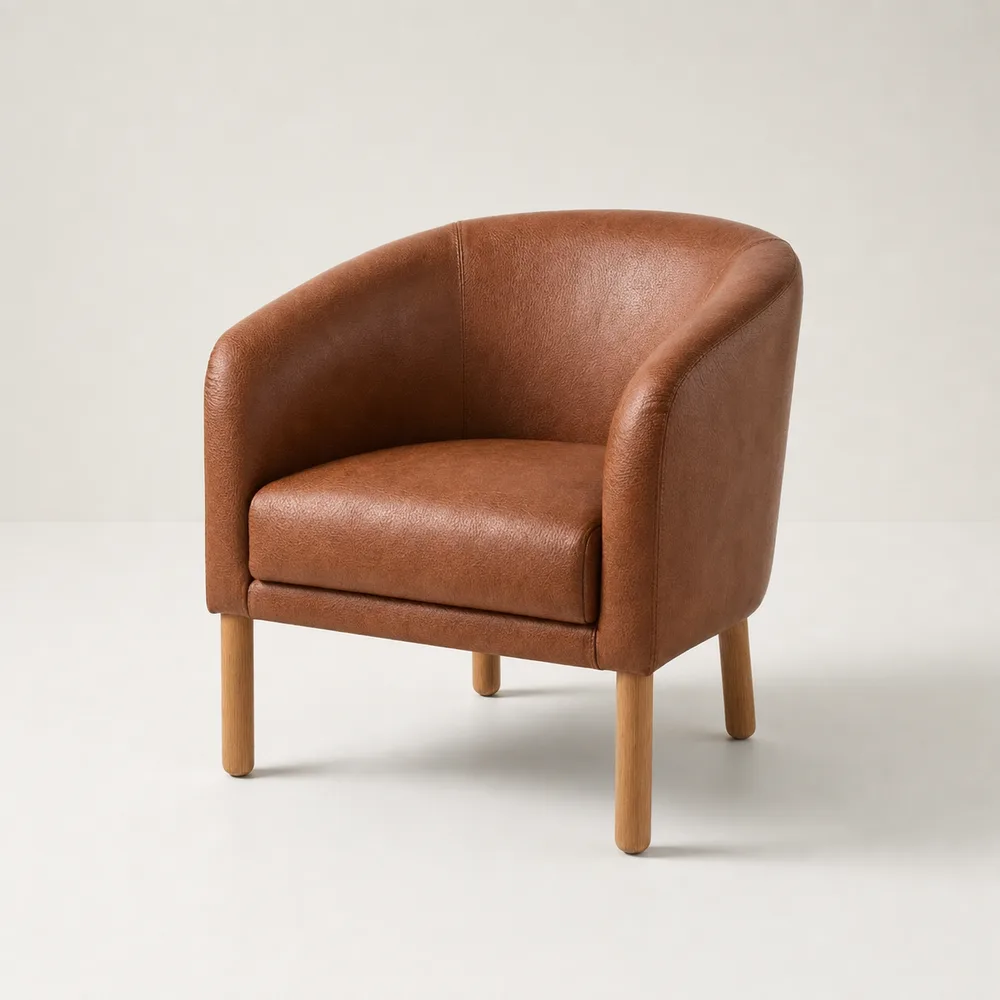
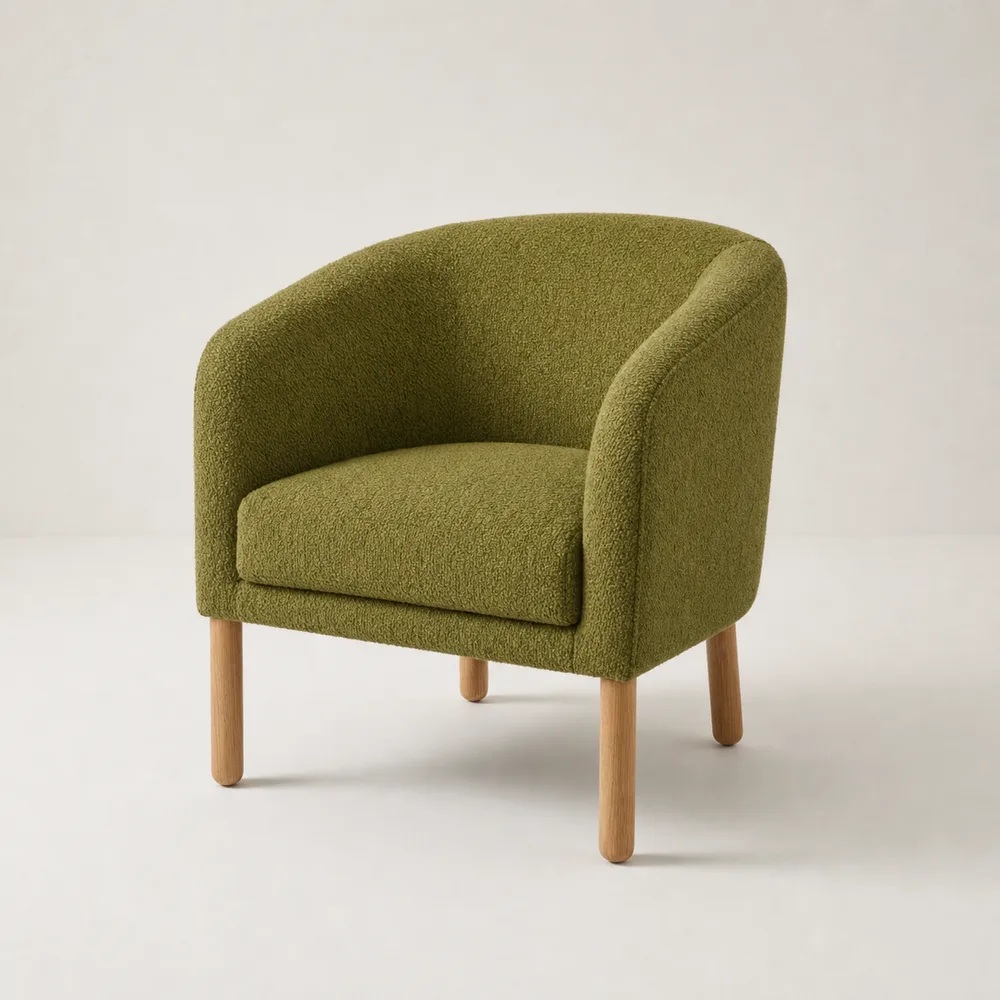
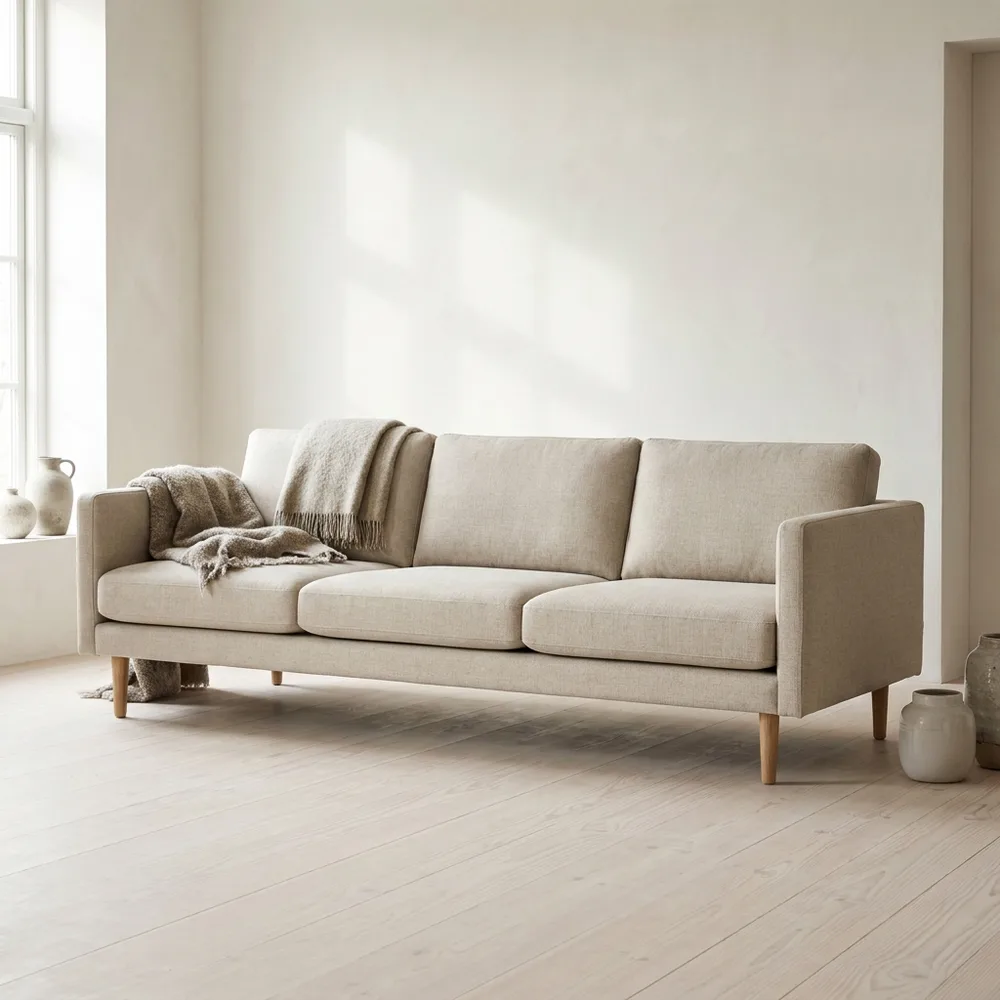
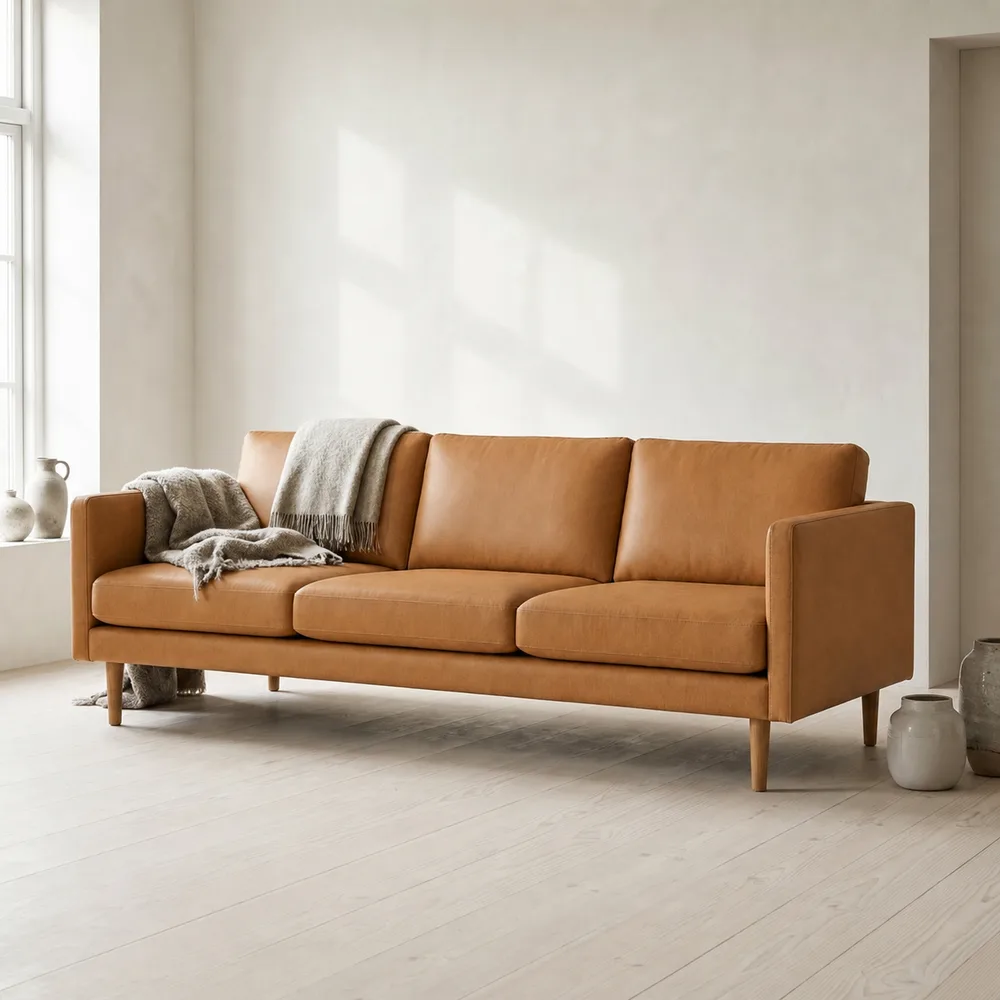
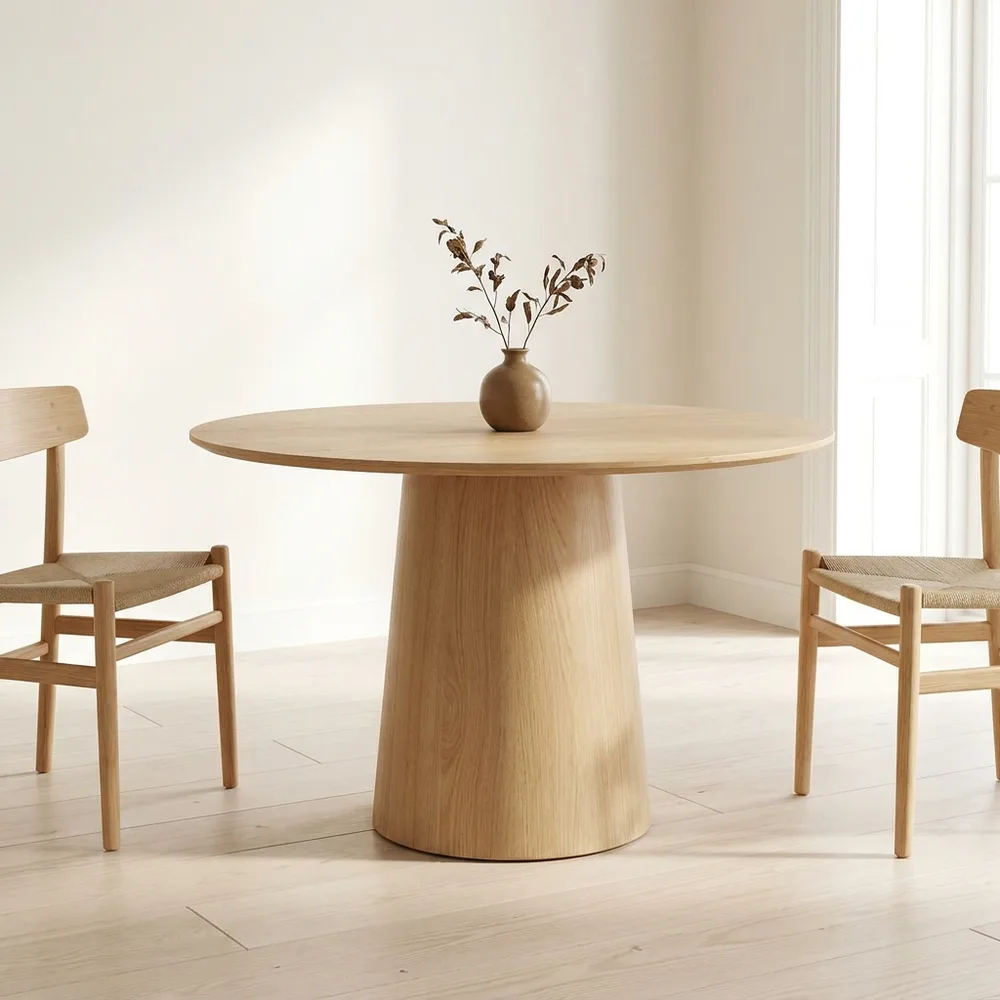
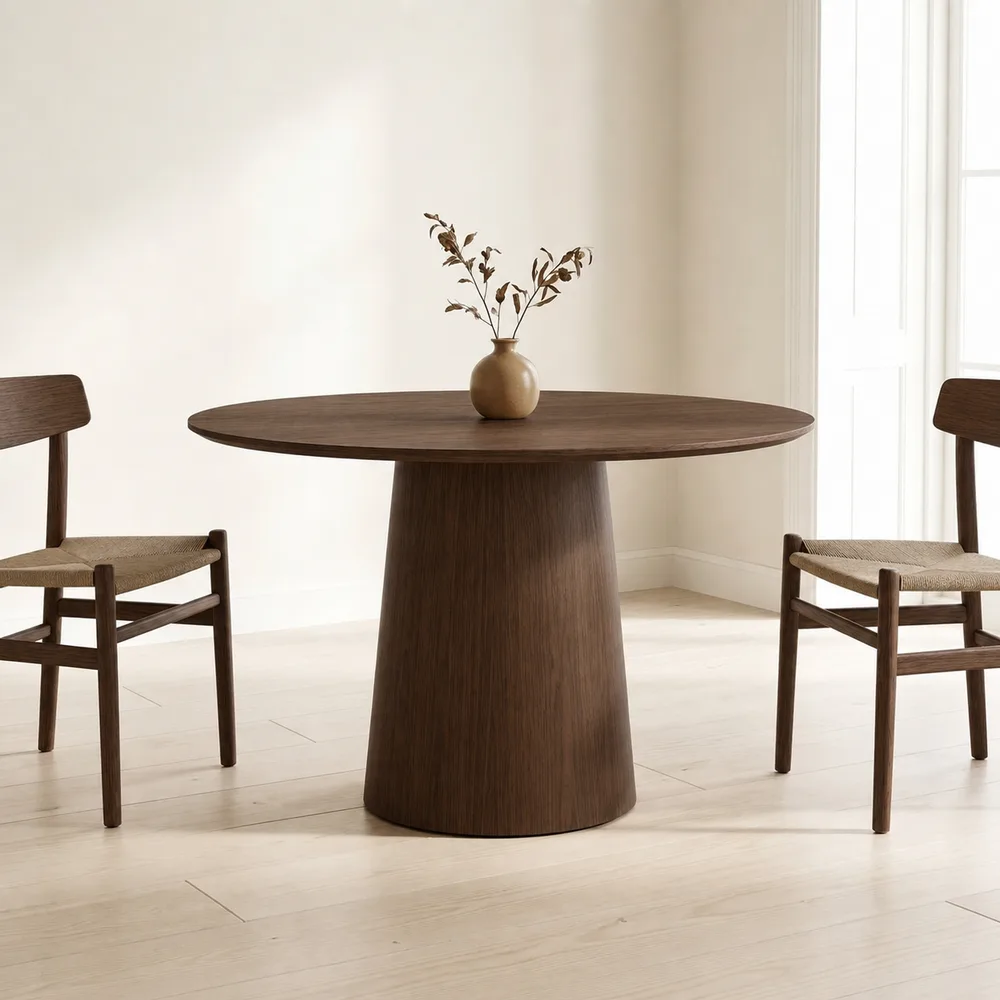
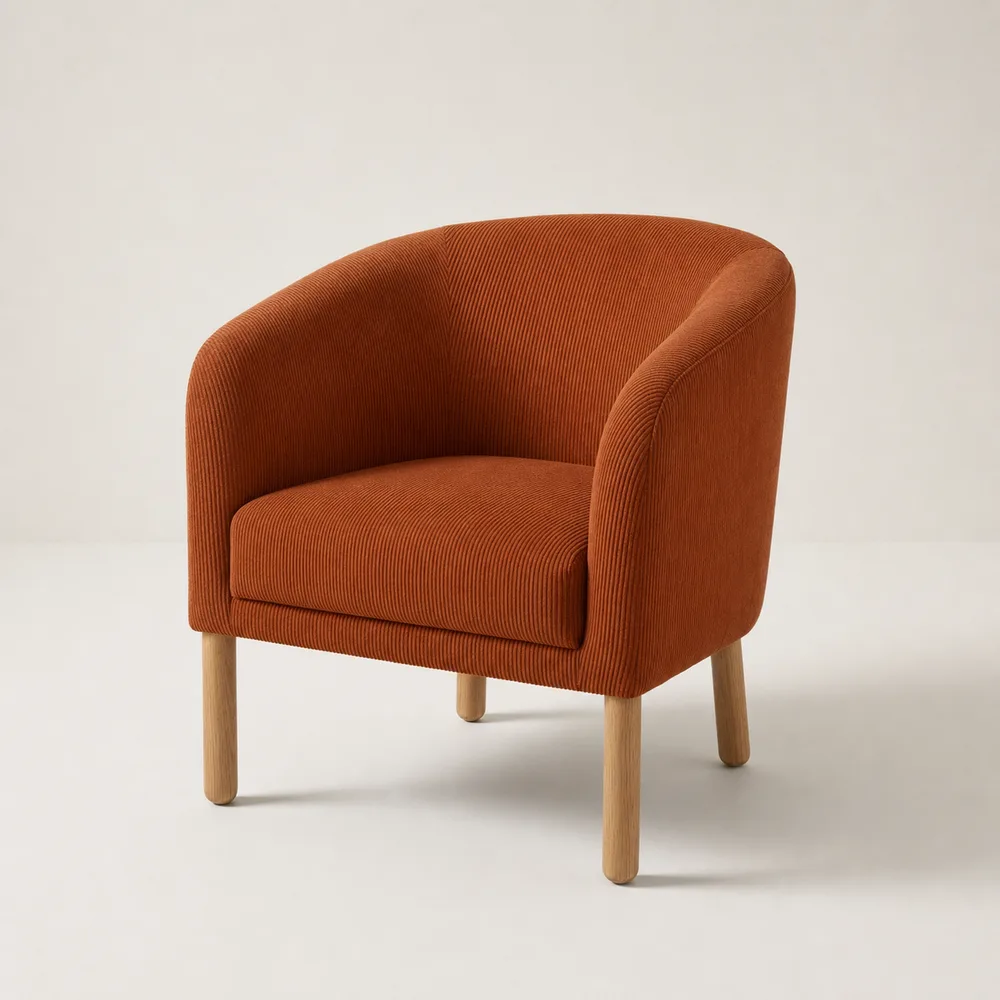
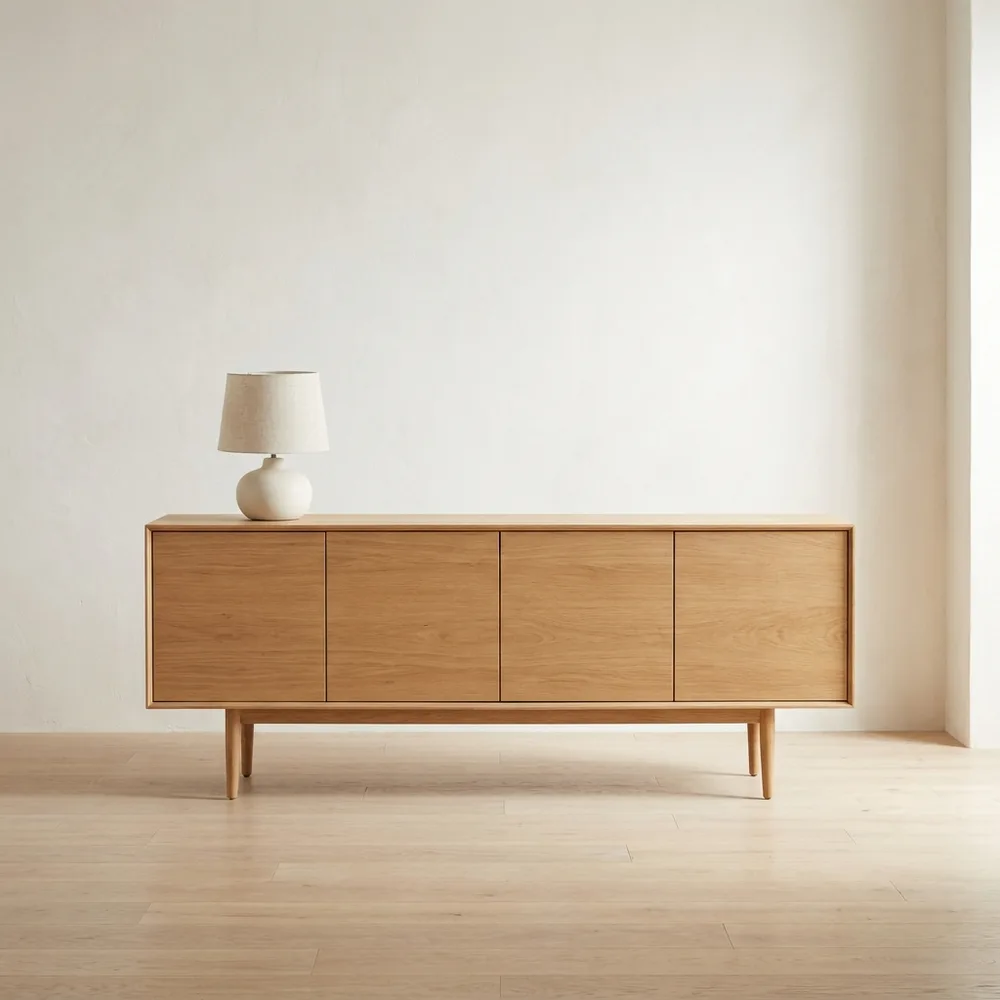
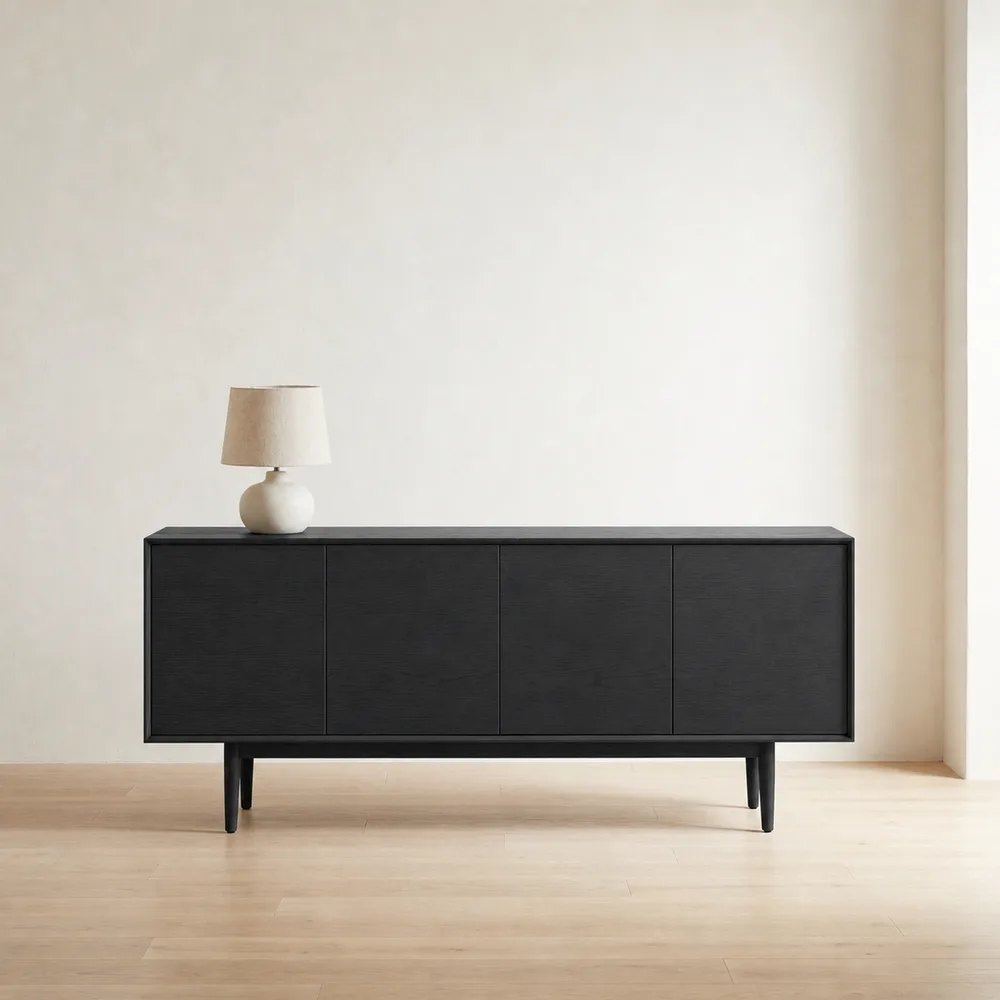
Pro feature
The mobile capture studio turns your phone into a product photographer. Frame the piece in the square camera, pick a material from your swatch library and generate on the spot — on the showroom floor, at the supplier, anywhere.
Full generations cost 5 credits per HD image — quick edits just 1. Unused credits roll over while your plan is active. Top-ups available in the app.
Free
$49/mo
Most popular
$129/mo
SwatchSwap is an AI furniture visualization tool that changes the fabric, leather, wood or finish in an existing product photo from a material swatch, producing catalog-ready variant images for furniture brands, webshops and interior teams.
Furniture brands, webshops and interior teams that need catalog-ready product images in every material without booking a new photoshoot for each fabric, leather or finish.
SwatchSwap has a free trial with 5 credits trial results carry a light watermark then Starter at $49/month (50 credits) and Pro at $129/month (150 credits). A full HD image costs 5 credits and quick edits like background removal cost 1 credit. Unused credits roll over while your plan is active, and top-ups are available in the app.
Yes. Geometry, proportions, stitching, buttons, legs and perspective are locked. Only the target material changes. If a result drifts, regenerate or refine it with plain text.
The swatch drives the result: hue, lightness and grain are matched to it, and the output is never lighter than your swatch. The comparison above is unretouched.
A high-resolution PNG, ready for e-commerce listings, catalogs and client presentations. Material swaps keep your photo's original background; Remove background delivers a clean white cut-out; Environment scene places the piece in a styled interior.
Yes. Every run is a fresh render and costs the tool's own price a text-only refine is just 1 credit, a full generation 5. A short text instruction usually gets a drifting result right in one extra run.
Yes. Images you generate from your own product photos are yours to use in listings, catalogs and marketing.
No. Your uploads are used only to generate your results.
Yes. Refine with plain-text instructions new leg colors, fabric converted to leather. You can also cut the product out on a clean white background or place it in a styled interior. Full generations cost 5 credits per image; quick edits (background removal, text-only refine) just 1.